
Search for an existing patient first. The current patient authority supports duplicate-aware search and longitudinal identity context, so creating a second record for the same person should not be the default workflow.
Product instructions · Role and facility configuration determine which actions are available.
- An authorized reception or administrative account.
- A configured hospital or clinic context.
- Permission to view or register patients.
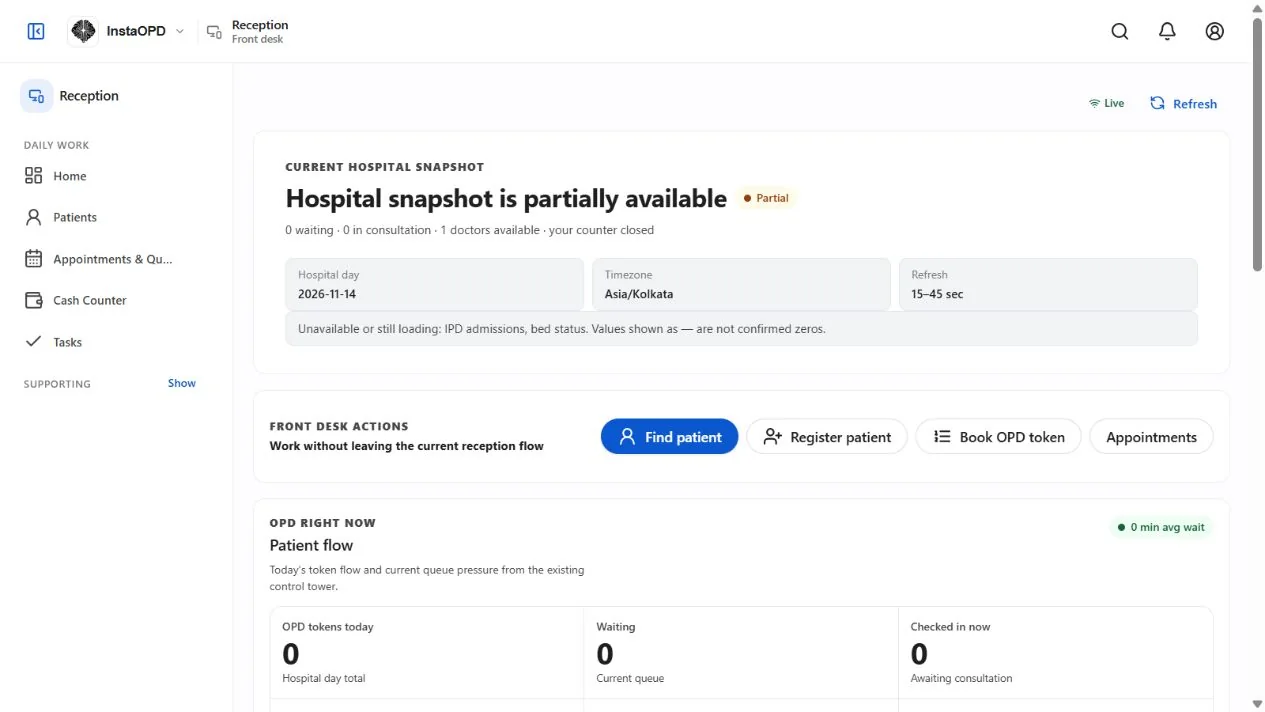
Enlarge product screen
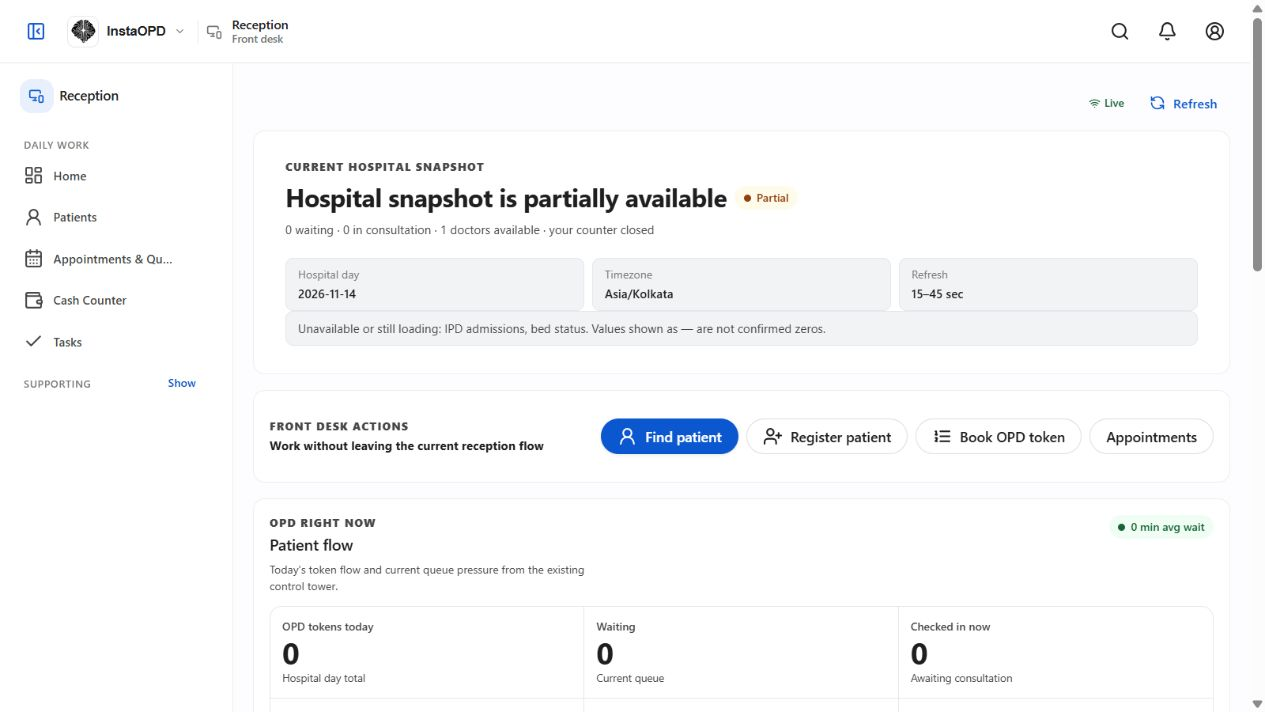
Before creating a new patient
Search for an existing patient first. The current patient authority supports duplicate-aware search and longitudinal identity context, so creating a second record for the same person should not be the default workflow.
The exact demographic fields available can vary by deployment and policy.
Registration workflow
- Open the authorized Reception workspace for the correct facility.
- Search for the patient using the available identifying information before creating a new record.
- If the correct patient is found, select that patient rather than creating a duplicate.
- If no appropriate match exists, begin a new registration and enter the required demographic information shown by the configured form.
- Review the information for accuracy and save the registration.
- Continue to the next permitted OPD action, such as appointment booking, token creation or check-in, according to the facility workflow.
What happens next
Registration creates or associates the patient identity within the permitted hospital context. Reception can then continue the patient journey without re-entering the same identity at every handoff.
If a potential duplicate, authorization problem or validation error appears, resolve that issue before continuing rather than creating a second record as a workaround.
Frequently asked questions
Should reception create a new patient every visit?
No. Search for the existing patient first so longitudinal history can remain associated with the same identity.
Can every user register patients?
No. Registration is permission and role dependent.
What should staff do if the patient already exists?
Select the existing patient when it is the correct identity instead of creating a duplicate record.
Want to see this workflow in context?
A guided demonstration can confirm what is configured for your organization.