
Register a synthetic patient
Browser-local demonstration state: Waiting. No clinical system write occurred.
Explore a realistic outpatient day using conceptual ENTHORIS illustrations and browser-local synthetic workflow state. This public experience never signs you into a hospital tenant and never writes to a clinical database.
This is a guided interactive product tour, not a live clinical sandbox.
ENTHORIS Demo Multispeciality Hospital contains two fictional departments, two fictional doctors and fifteen synthetic patient identifiers. The panel below is a tour layer—not a recreated clinical interface.
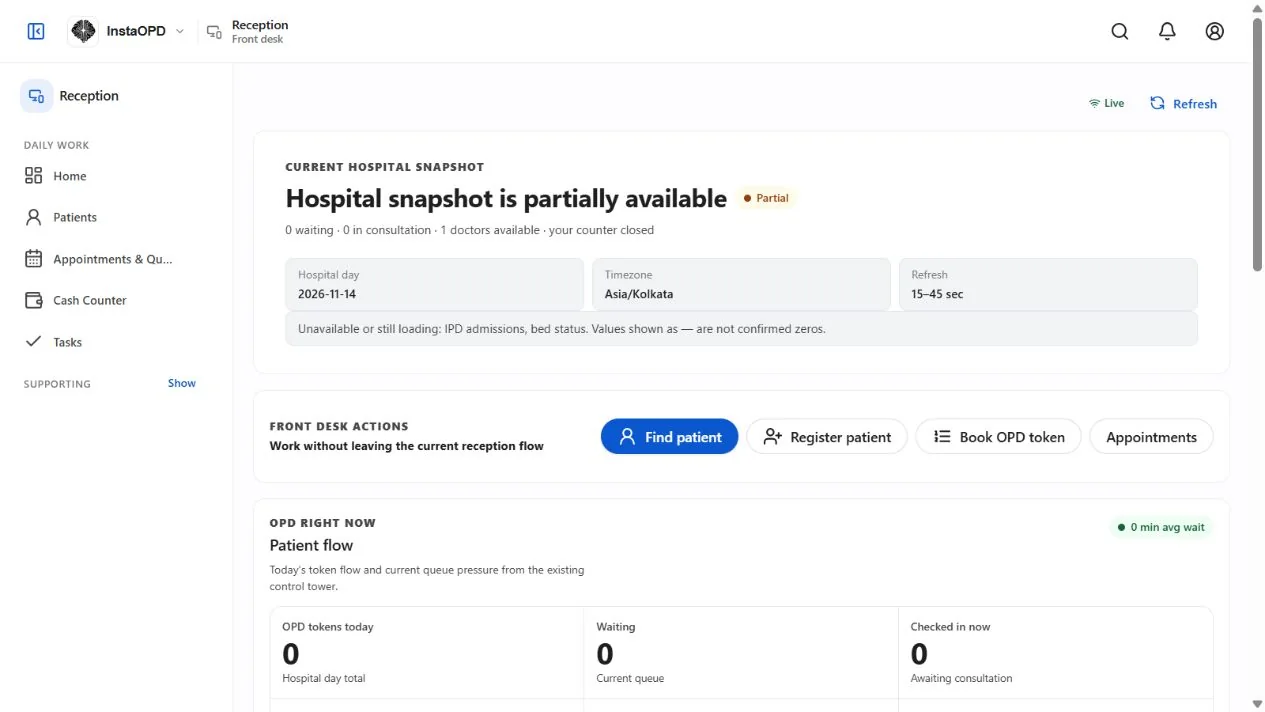
Only the first synthetic patient changes as you complete tour steps. The values below exist solely in browser memory.
Scroll horizontally to compare all columns on a smaller screen.
| Demo ID | Department | Assigned doctor | Tour state |
|---|
These previews use conceptual ENTHORIS illustrations, not live application screens. They do not perform pharmacy, laboratory or inpatient writes.
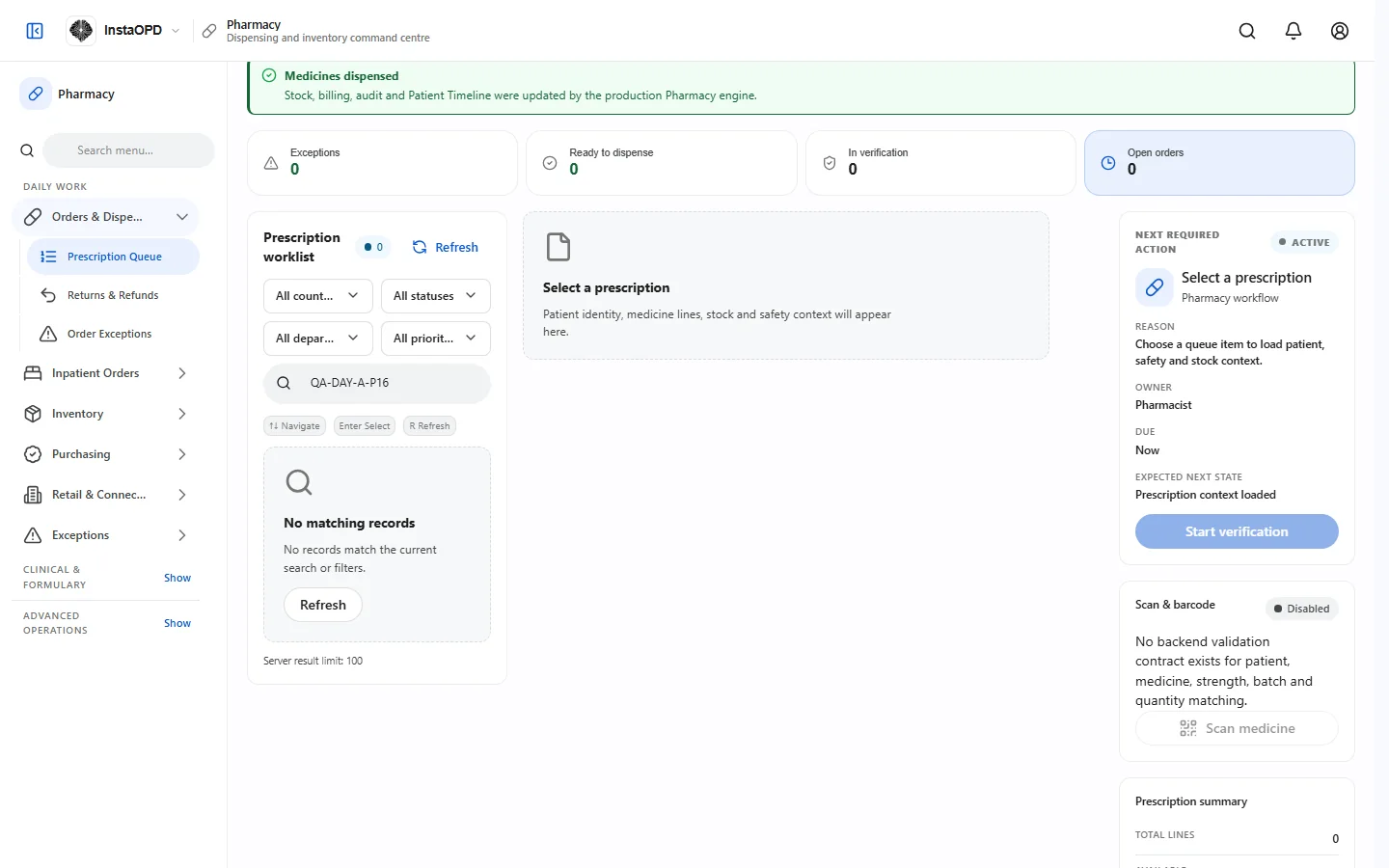
Review the prescription-to-dispense relationship without creating stock, sales, purchase or payment transactions.
View E-MedDock →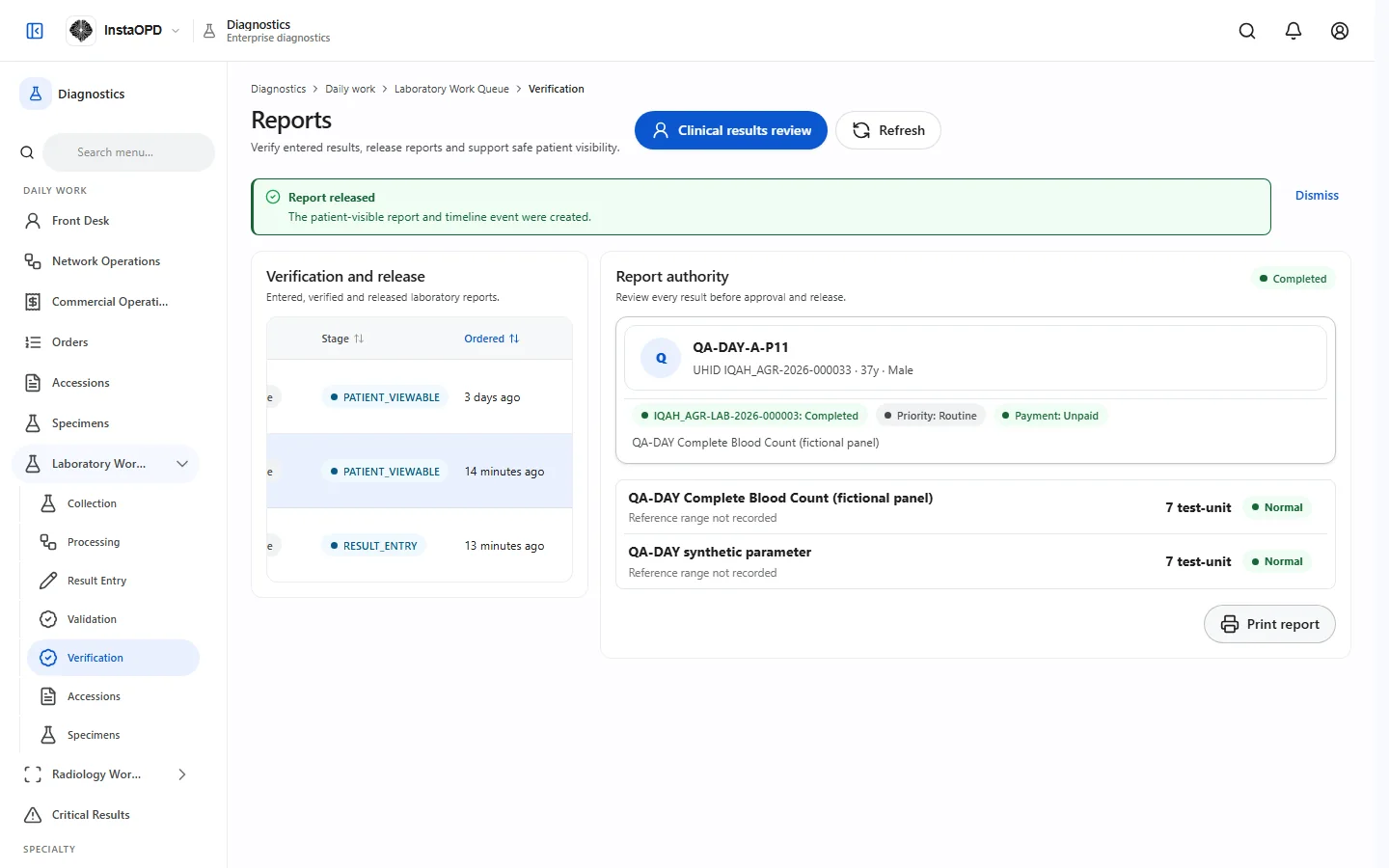
Review the order-to-result experience without creating specimens, reports or external laboratory submissions.
View E-TestDesk →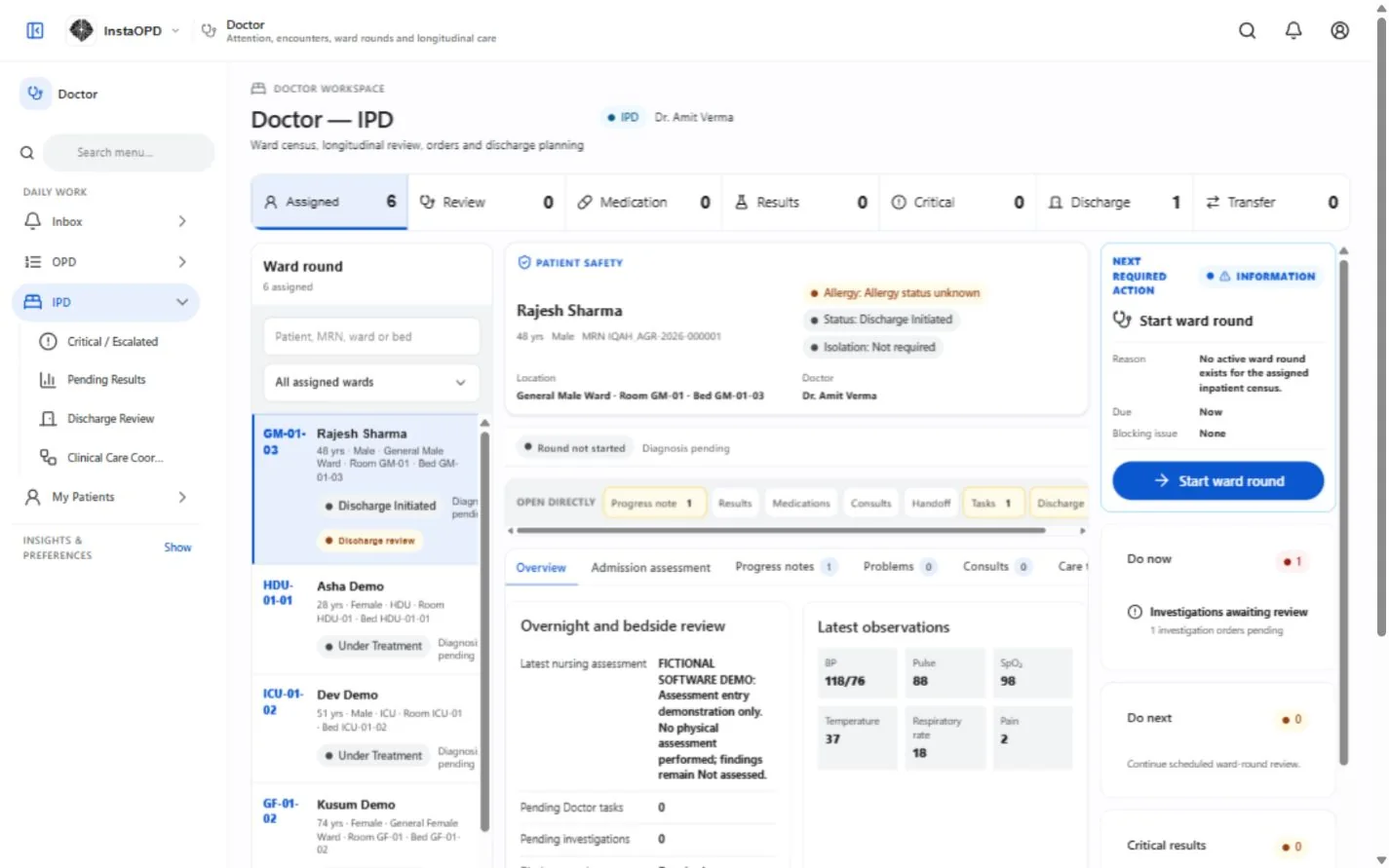
Preview inpatient command context. Admission, bed assignment and discharge remain reserved for an authorized isolated live-demo environment.
View E-WardLane →A separate tenant identifier alone does not prove production isolation. The repository contains guarded staging seed and hospital-day tooling, but a public live sandbox would additionally require independently verified non-production infrastructure, short-lived authentication, cross-session isolation, reset/cleanup ownership, egress controls, monitoring and resource limits.
For role-based application access, data migration questions, pharmacy/lab transactions, IPD workflows or hospital-wide evaluation, ENTHORIS can demonstrate the product in an approved isolated environment.
Illustrative sequence; order and roles depend on your clinic configuration. The reception, nurse and doctor tours above are browser-local. Choose Complete clinic journey in the role selector to explore all six stages interactively. No clinical or financial transactions are recorded.
Choose required modules · Review published plans · Request a configured demo